You're In. Here's Your Video Template.
Your done-for-you Canva video template is ready. A fully edited 43-second vertical video, cinematic, on-trend, and built for sober and spiritually oriented creatives who are ready to show up and get paid. Open it. Swap in your clips. Post it. That's it.
How to Edit Your
Follow these 3 steps and you'll be posted before the day is done. Template
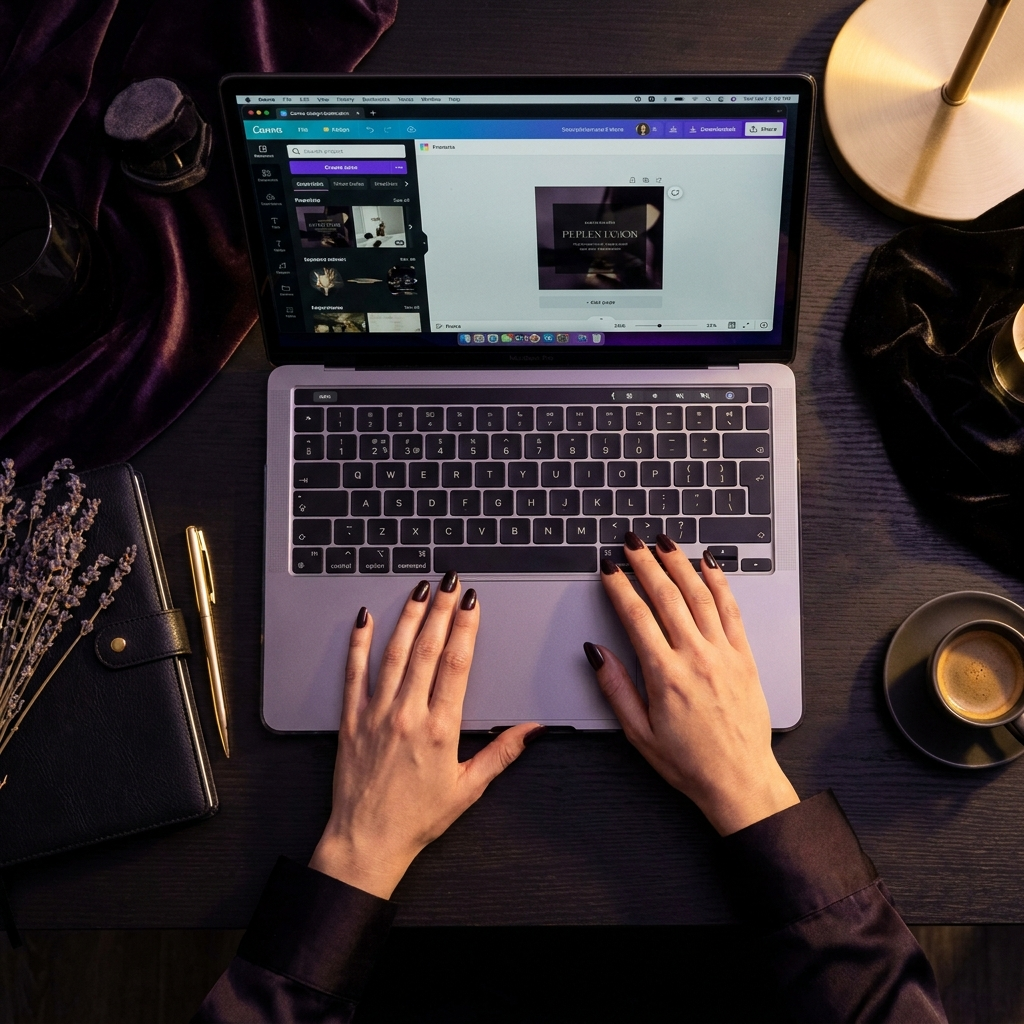
Step 1 - Open the Canva Template
Click the button below to access your Canva template. IMPORTANT: When Canva opens, click "FILE" and then click "Make a copy.
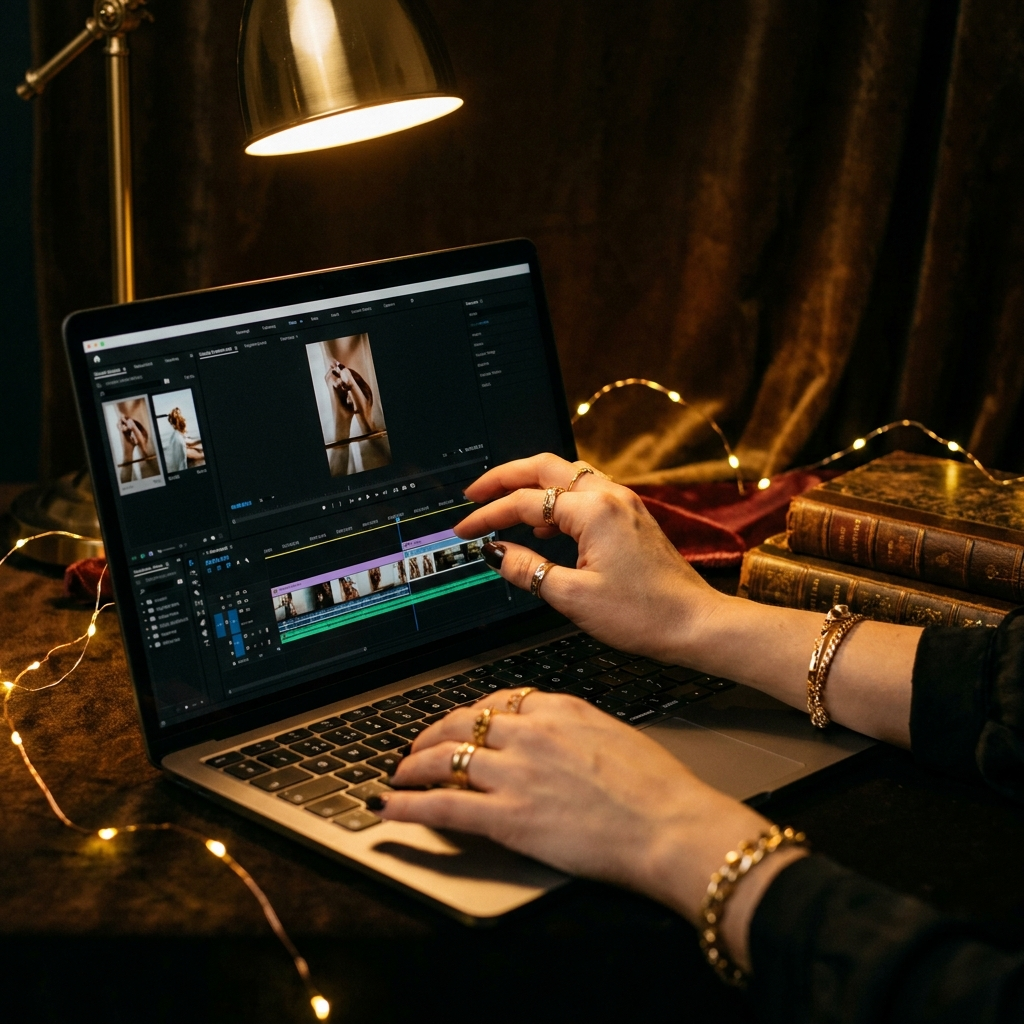
Step 2 - Swap in Your Video Clips
In Canva, click on each video clip placeholder and replace it with your own footage. The structure, yellow text overlays, and cinematic pacing are already built, just swap your clips in, and the template does the rest.
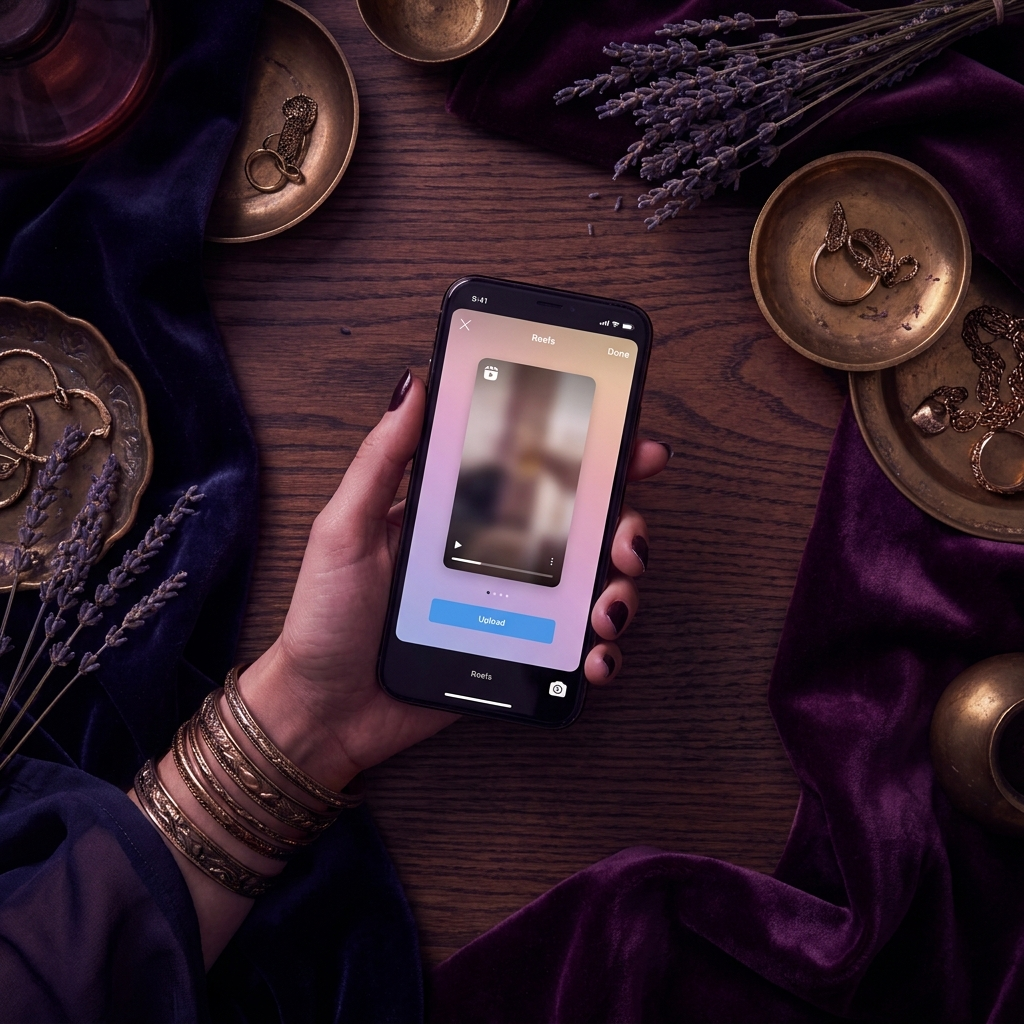
Step 3 - Download & Post
When you're happy with your edits, click Share → Download → MP4 Video in Canva. Then upload directly to Instagram Reels, TikTok, or YouTube Shorts. That's your content done.
Access Your Canva Template
Click the button below to open your template in Canva. ⚠️ Important: Once Canva opens, click "FILE" to make your own copy before editing.
Open Your Canva Template